Your MOV® account
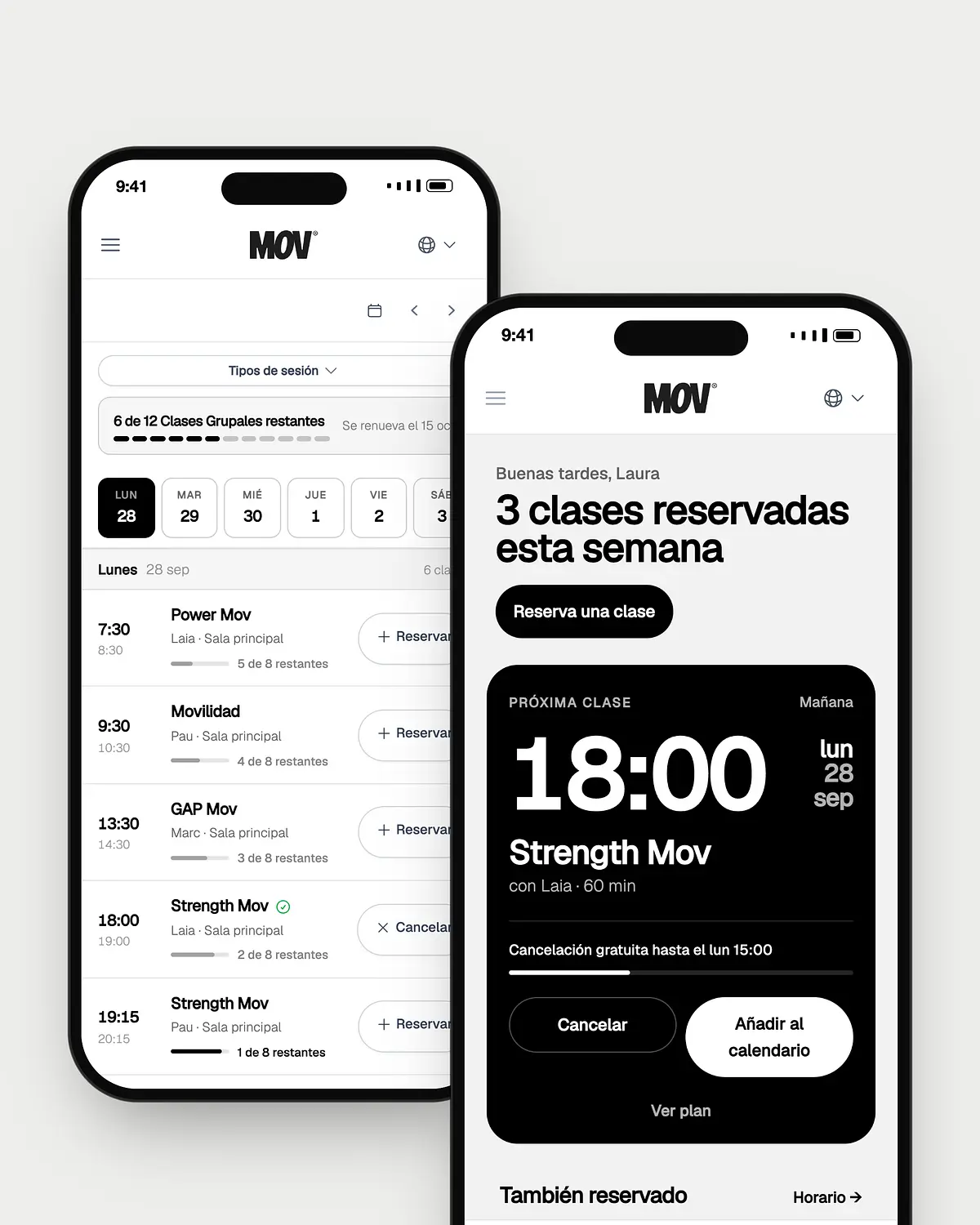
All of MOV®, on your phone
Book your classes, follow your coach's plan and see how you're progressing. There's nothing to download: sign in with your email from your browser.
Your MOV® account
Book your classes, follow your coach's plan and see how you're progressing. There's nothing to download: sign in with your email from your browser.
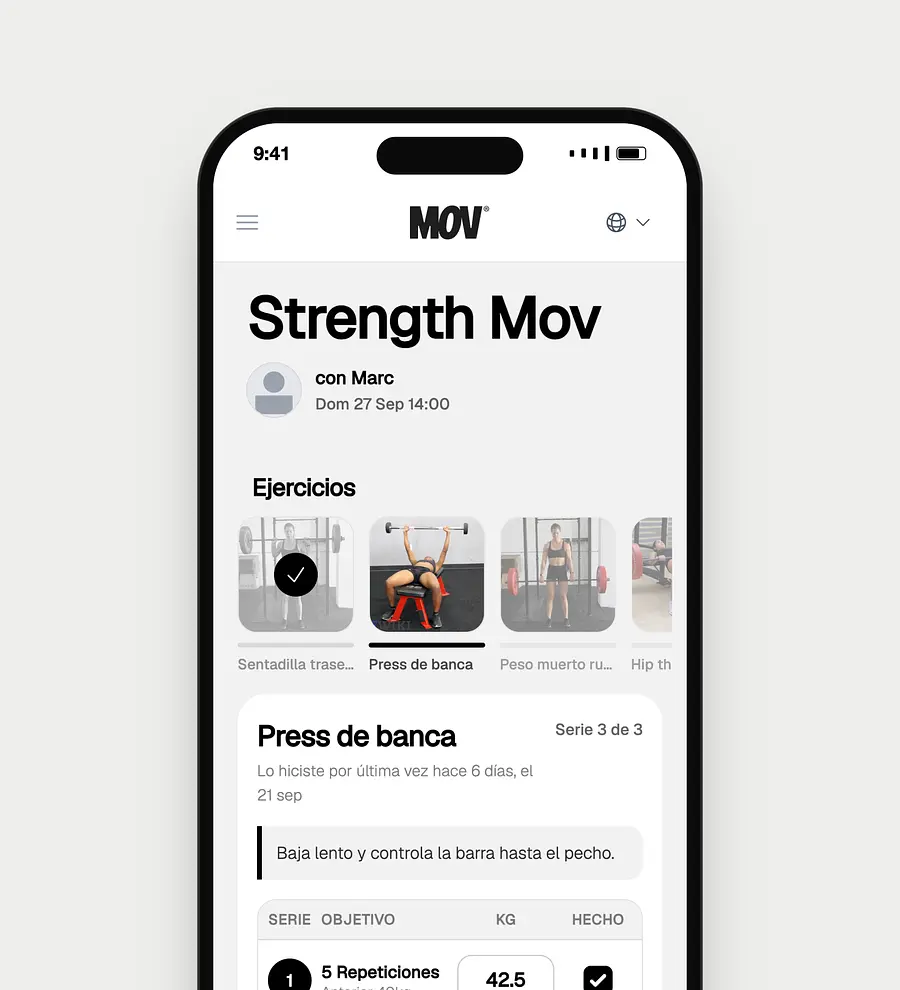
Before, during and after class
Your account
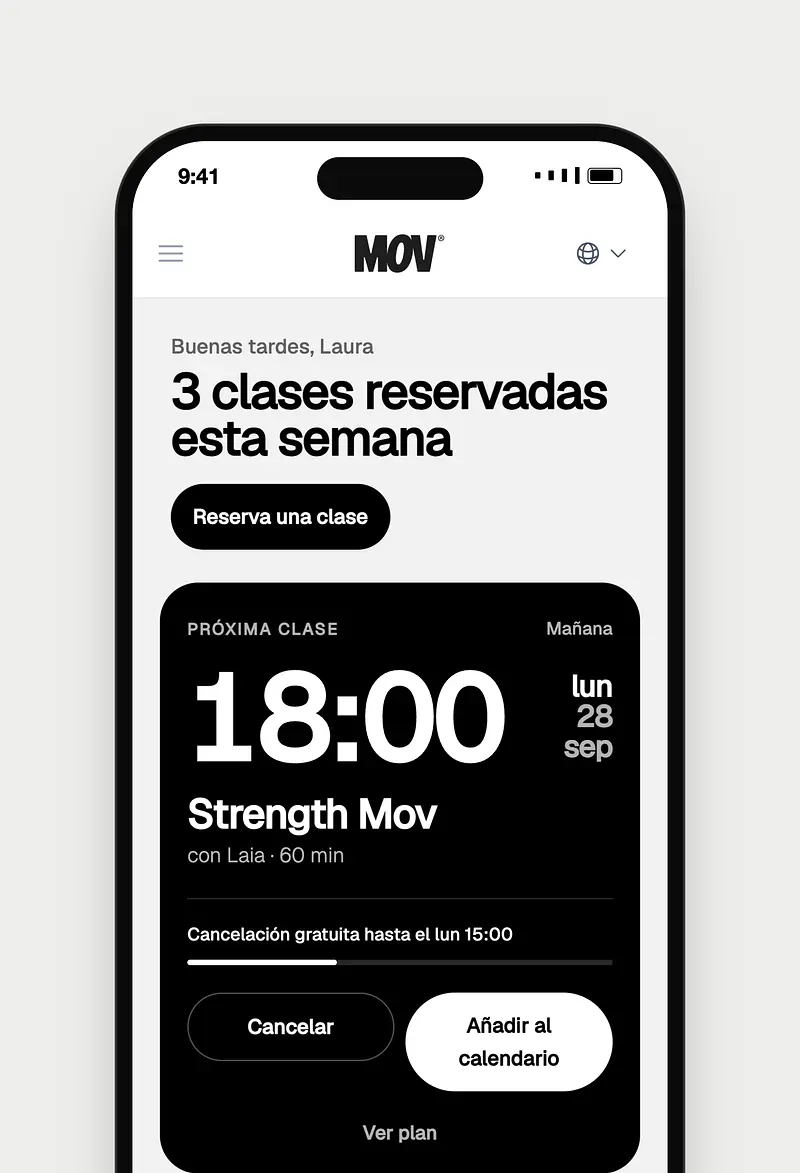
The time, the coach and how long you have to cancel for free, as soon as you sign in.
Add a class with one tap, or subscribe and every booking appears on its own in Google, Apple or Outlook.
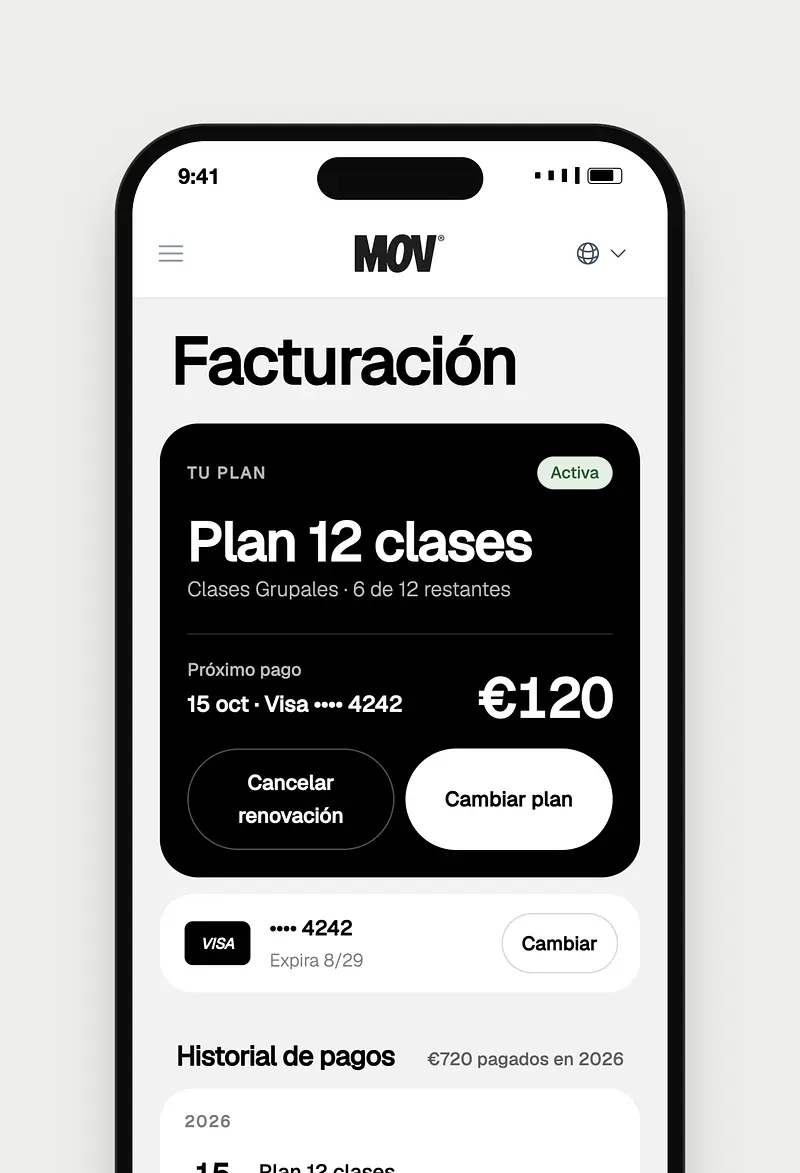
How many classes you have left, when your plan renews, your card and your payment history.
In Spanish, English or Catalan. Change it whenever you like from the menu.
No. Your account works in the browser on your phone or computer. Sign in from this website with your email.
With the email you signed up to MOV® with. If you don't remember your password, tap "Forgot your password?" and we'll send you a link.
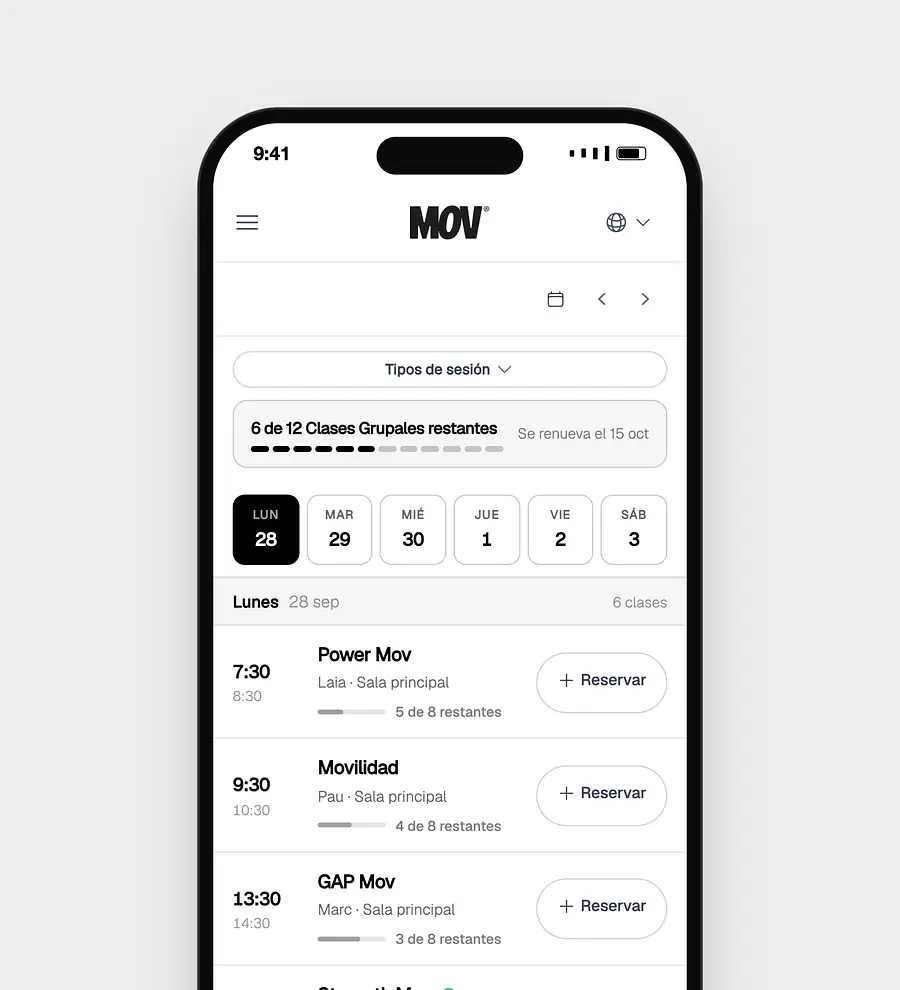
Yes, from your account or from the timetable. Your account shows you how long you have to cancel at no cost.
Join the waiting list from the timetable. If a space comes free, we'll let you know.
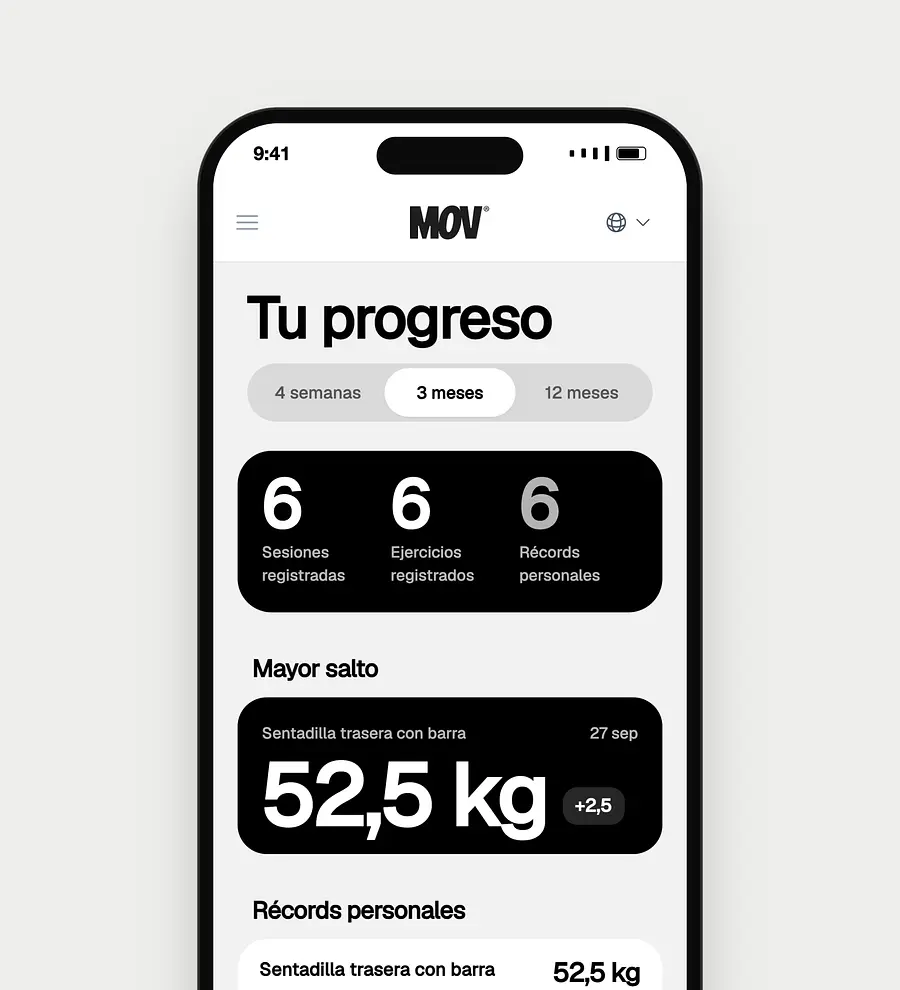
In "Progress", inside your account. It appears as soon as you log your first set in a class plan.
Sign in with your email and pick your class for the week.